
Executive SummaryDealership inventory tracking software gives every vehicle a live, VIN-anchored record that updates the moment it is acquired, reconditioned, listed, or sold, syncing that status to your DMS instead of waiting on a nightly batch. New light-vehicle inventory closed 2025 at 2.6 million units, down 7.6% year over year (NADA, 2025), and 84% of dealers say generic tools still fail to give them what they need when they need it (Lotlinx, reported by CBT News, 2026). This guide covers how real-time tracking actually works, how DMS sync should function, and how to tell the two apart when you evaluate a platform. |
A car sells at 6 p.m. If your system does not know until the DMS batch runs at midnight, your website still shows it available, your BDC keeps fielding calls on it, and a shopper drives out for a vehicle that is already gone. That gap has a real cost: 83% of dealers say customers already repeat steps in-store because online and in-store data disagree (Cox Automotive, 2025). Dealership inventory tracking software exists to close that gap. Here is how real-time tracking actually works, how DMS sync should behave, and which platforms deliver it.
What Is Dealership Inventory Tracking Software?
Dealership inventory tracking software is the layer that keeps a vehicle’s status current the instant something happens to it, not hours later. Every acquisition, reconditioning step, price change, and sale updates one VIN-anchored record instead of a spreadsheet or an overnight DMS batch. It is narrower than full automotive inventory management software, which also handles pricing strategy, merchandising, and reconditioning workflow end to end.
How to Track Dealership Inventory in Real Time?
Real-time dealership inventory tracking works by triggering an update the instant a vehicle’s status changes, rather than waiting for a scheduled sync. That single design choice is what separates it from the spreadsheet-and-nightly-upload approach most independent lots still run on.
1. The Real-Time Data Flow From Lot to Website
A vehicle arrives and gets VIN scanned. That scan creates the record and pulls decoded specs automatically. As the car moves through appraisal, reconditioning, and pricing, each step posts an event to the central database. That database pushes the change to your website, marketplace listings, and CRM within minutes, not hours. When the car sells, the same event chain pulls it from every channel at once, so you stop paying for leads on inventory you no longer own. Cox Automotive’s 2025 Digitization of Automotive Retail Study found 62% of dealers now run multiple retailing tools side by side, which is exactly where this kind of event-driven sync matters most, since disconnected tools are what create the data gaps in the first place.
2. Hardware That Makes Real-Time Tracking Possible
Software alone cannot tell you where a car is parked. RFID tags mounted near a mirror or key fob let lot scanners log movement automatically, useful on large lots and during reconditioning handoffs. GPS trackers add location data for test drives and theft prevention. Smart key cabinets tie a checked-out key to a specific salesperson in real time, closing a common gap between what the system says and where the car actually is.
3. What a Real-Time Inventory Dashboard Should Show
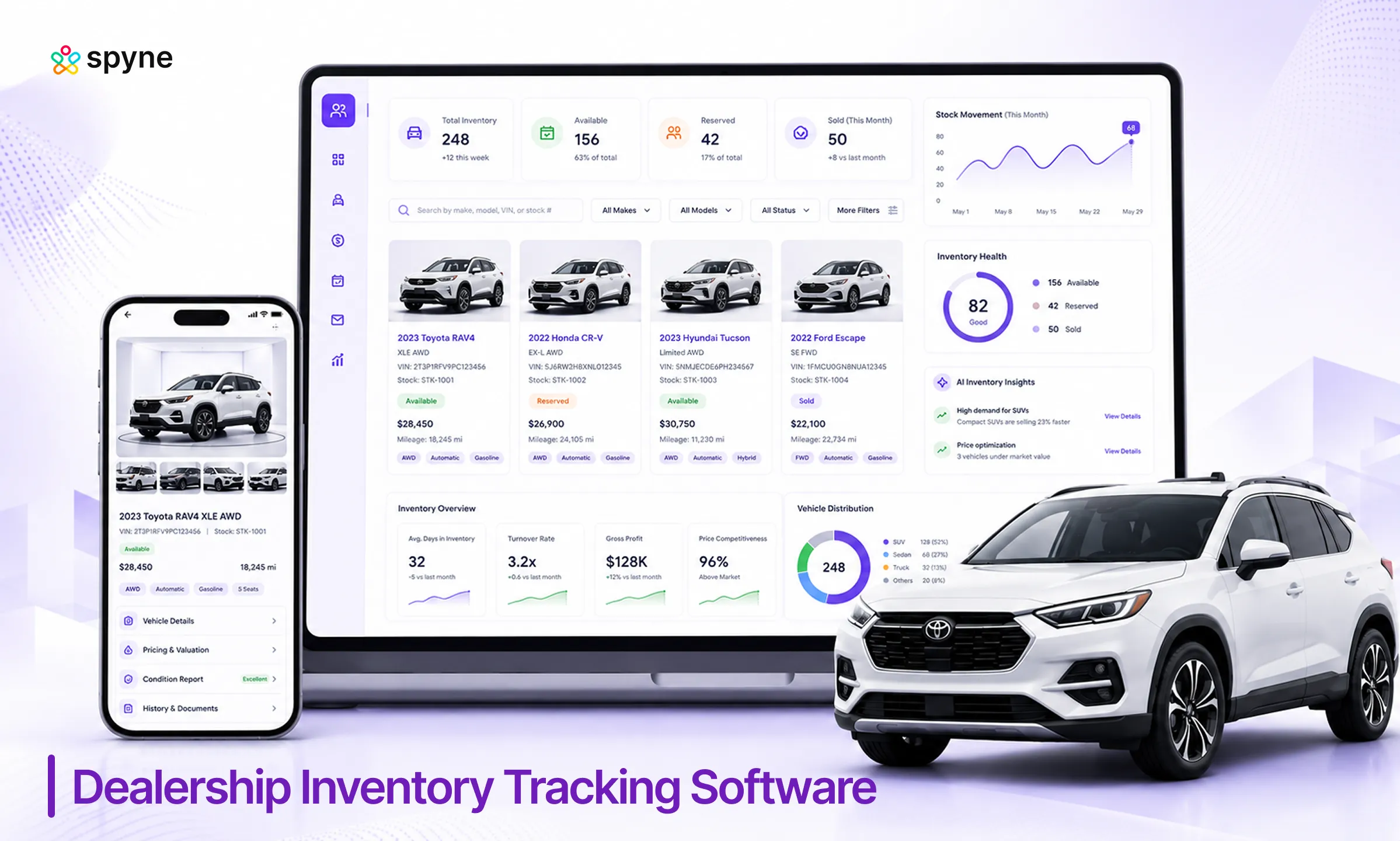
A real-time dashboard should answer five questions without a manual pull: units in stock, units sold today, units reserved, aging by 30/60/90-day bands, and gross by model. CBT News reported on a 2026 Lotlinx dealer survey where 30% of dealers ranked automatic “watch my store” monitoring as the most valuable AI feature they could have, with natural-language inventory queries close behind at 27%. That ranking says something dealers already know from experience: a dashboard that only shows numbers is less useful than one that tells you which vehicles need attention today.
Best Dealership Inventory Tracking Software With DMS Sync
The strongest dealership inventory tracking comparison starts by separating two categories: DMS-embedded tracking, where inventory lives natively inside the same database as accounting and service, and standalone tracking that syncs on top of whatever DMS you already run.
1. Spyne Inventory Management
Spyne’s inventory management software connects to your existing DMS rather than replacing it, syncing VIN-level status, reconditioning stage, and listing state as they change, while adding merchandising and mobile lot-scanning tools most DMS-native modules skip.
2. Tekion
Tekion builds tracking directly into its cloud DMS, so there is no separate sync step between inventory, service, and accounting. That native design removes an entire category of sync failure, but it means switching DMS platforms to get it.
3. Dealertrack
Dealertrack is a part of Cox Automotive and runs an open API architecture connecting to more than 275 certified vendors, so inventory status changes propagate to connected tools without manual re-entry. It suits dealers who want native DMS tracking without giving up flexibility on third-party tools.
4. CDK Drive
CDK offers similar DMS-native tracking built for larger, multi-rooftop dealer groups that need inventory visibility across locations inside one system of record.
5. vAuto
vAuto is also part of Cox Automotive, is a standalone specialist that syncs on top of most major DMS platforms rather than replacing them, focused on live market pricing layered onto tracked data.
There is no universal answer in this dealership inventory tracking comparison. DMS-native tracking removes sync risk entirely but locks you into that DMS. Standalone tracking keeps your current DMS but adds one more connection point to monitor. The right choice depends on whether your DMS already tracks inventory well or is the bottleneck itself.

Dealership Inventory Tracking Strategies That Actually Work
The dealership inventory tracking strategies that move the needle fix the data model behind your dealership inventory tracking software, not just the dashboard sitting on top of it.
1. Anchor Every Record to the VIN, Not the Stock Number: Stock numbers get duplicated across rooftops, while VINs do not, and decoding errors are a leading cause of appraisal and pricing mistakes.
2. Run a Weekly Aging Review Against Live Market Data: A monthly review is too slow, since days’ supply on used inventory shifts fast. Cox Automotive vAuto data put used-vehicle days’ supply at 46 days heading into 2025, tight enough that a week of drift changes pricing.
3. Match New Arrivals Against Open CRM Leads Before You Buy: Checking demand after acquisition is too late. Matching first means demand data feeds sourcing instead of sitting in a separate system.
4. Set a Reconditioning Turnaround Target for Every Stage: An overall day count alone hides where the delay actually is. A per-stage target means a bottleneck in detail or mechanical shows up before a car goes 20 days old.
5. Audit Your DMS Sync Monthly, Not Just When Something Breaks: Vendor-reported data from vAuto shows dealers using its recon tracking with its pricing tool sell used vehicles an average of 2.8 days sooner than pricing alone, a gain that compounds when tracking data is trustworthy enough to act on.
Common Mistakes That Break Real-Time Inventory Tracking
Most of the failures below are not dealership inventory tracking software limitations. They are process gaps that any platform will inherit if you let them.
1. Relying on One-Way DMS Sync: A sold vehicle updates your DMS but not your website or marketplace listings, leaving phantom inventory live for hours.
2. Treating Stock Numbers as the Primary Identifier: Using stock numbers instead of the VIN breaks duplicate detection across rooftops.
3. Skipping Mobile VIN Scanning at Intake: Typing specs manually instead is where most decoding errors and duplicate records originate.
4. Letting Reconditioning Status Live Apart From Sales: When that status sits in a separate system, sales cannot see a car is still in detail before promising it.
5. Never Auditing the Dashboard Against the Physical Lot: Small sync gaps go unnoticed until they cost a deal.
Dealership Inventory Tracking Tips for Daily Operations
These dealership inventory tracking tips are not exotic. Most dealership inventory tracking software problems trace back to skipped basics, not missing features.
1. Scan the VIN the Moment a Vehicle Arrives: Do this before the vehicle moves anywhere else on the lot, so the record exists first.
2. Standardize Tagging Across Every Rooftop: Give every rooftop the same tagging convention for reconditioning stages so multi-location reports stay comparable.
3. Pull the Aging Report Before Monday Pricing Meetings: Pull it before the meeting, not during it, so decisions rest on that morning’s data.
4. Review DMS Sync Logs Weekly: Check them weekly, since a stalled sync often looks identical to a slow sales week.
5. Train New Hires on VIN Scanning First: Teach it before desking or CRM, since bad intake data propagates downstream.
Spyne Inventory Management: Real-Time Dealership Inventory Tracking Software for Dealerships
Spyne Inventory Management is built for dealerships that need tracking data accurate the moment it changes, not by the next morning. It connects to your existing DMS rather than asking you to replace it, which matters most for dealers who already have a DMS they are not looking to switch. The product focuses on the layer between acquisition and sale: VIN-level status, reconditioning stage, pricing, and listing syndication, updated as events happen rather than on a batch schedule.
1. VIN-anchored vehicle records: Every vehicle is tracked by VIN from intake, so decoding, duplicate detection, and sale history stay tied to one identifier. A dealer running multiple rooftops avoids the duplicate-stock-number problem spreadsheets create.
2. Mobile VIN scanning at intake: Lot staff scans the VIN barcode on arrival, which auto-populates specs and creates the tracked record on the spot.
3. DMS sync for status changes: When a vehicle’s status changes in Spyne, it syncs to your connected DMS instead of requiring a second manual update, cutting the one-way sync gaps that create phantom inventory.
4. Reconditioning stage tracking: Each vehicle shows its current recon stage, so sales can see whether a car is still in detail before promising it to a shopper.
5. Automated listing syndication: When a vehicle’s status changes, its listings update across your website and marketplaces at the same time, so a sold car does not sit live generating dead leads.
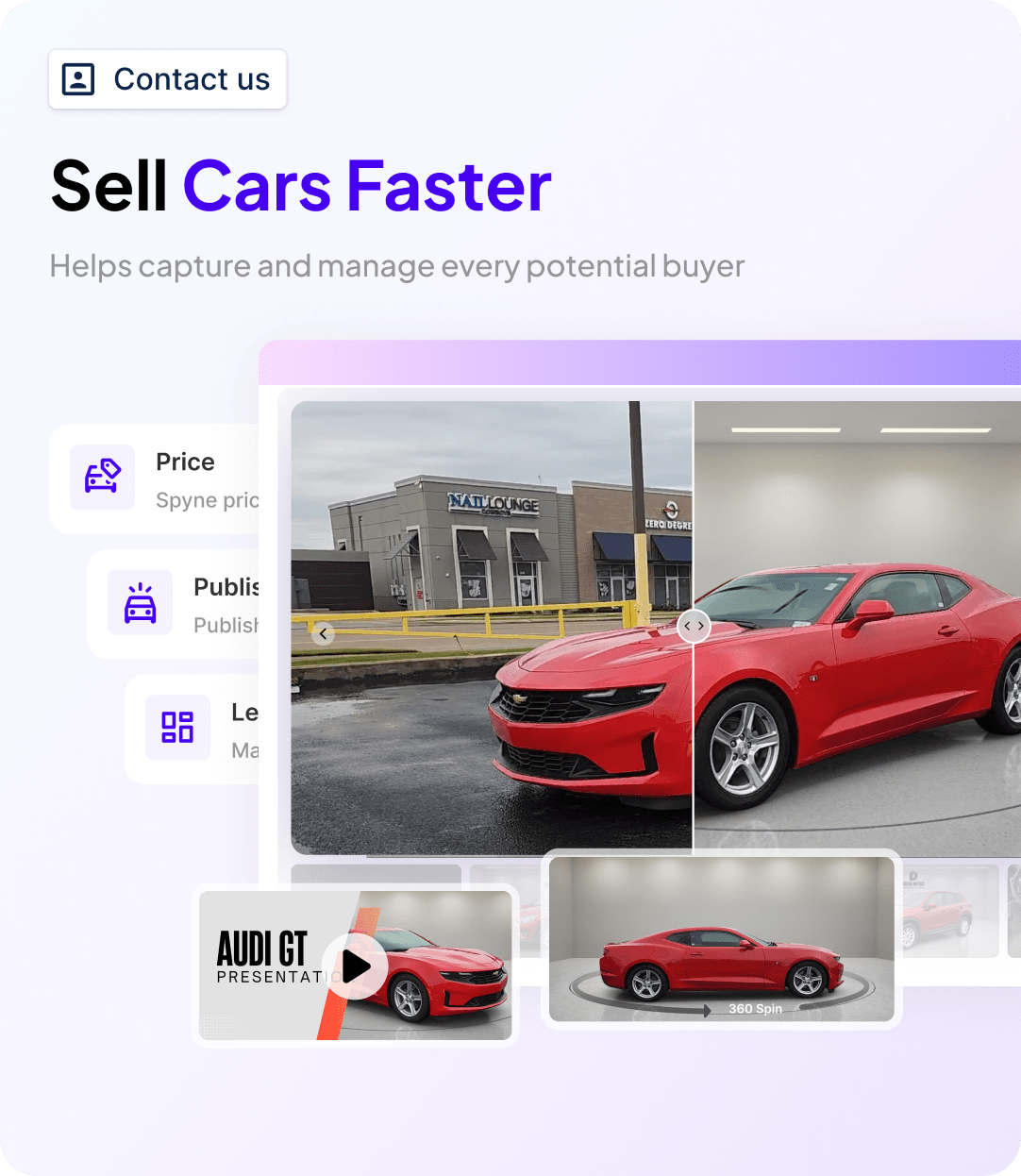
6. AI-assisted merchandising on tracked inventory: Once a vehicle is tracked, its photos and listing content can be enhanced automatically, keeping AI-powered car merchandising in step with tracking.
7. Multi-rooftop visibility: Dealer groups see tracked inventory across every location in one view, with consistent reconditioning and status tagging across rooftops.

Conclusion
Dealership inventory tracking software only earns its keep when it updates in real time and syncs cleanly with your DMS, because every hour of lag turns into a phantom listing, a wasted call, or a lost lead. Whether you choose DMS-native tracking or a standalone layer like Spyne Inventory Management that syncs on top of what you already run, the test is the same: does the system know what changed the moment it changed, and does every connected channel know it too? Get the right inventory tracking software for your dealership with Spyne. Book a demo!