
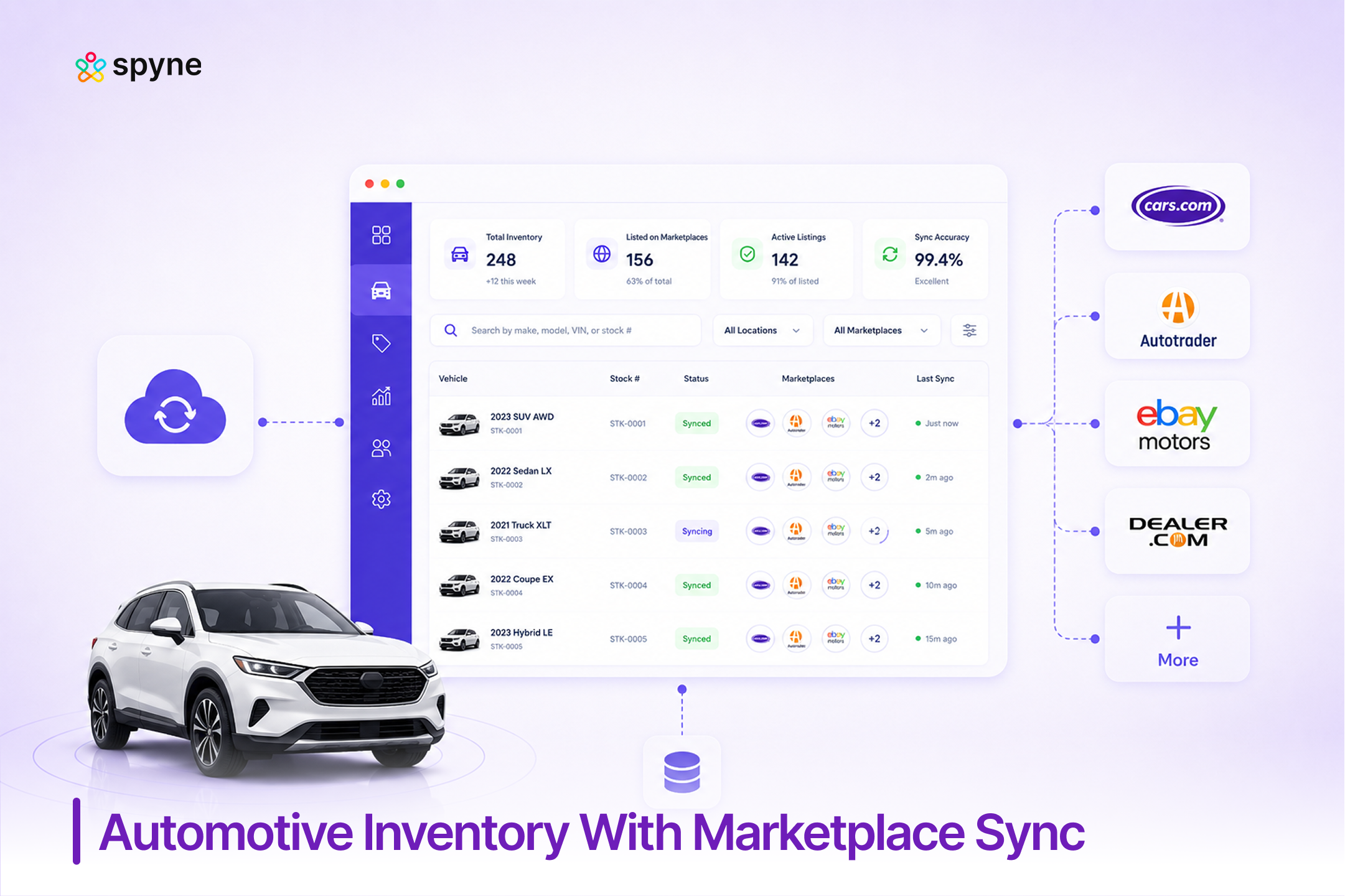

Executive SummaryAutomotive inventory with marketplace sync is the automated connection between a dealership’s inventory system and third-party listing sites like CarGurus, Cars.com, and AutoTrader, so price changes, photo updates, and sold vehicles reflect everywhere within hours, not days. Cox Automotive’s July 2025 Autotrader attribution study found 92% of marketplace-assisted sales never get traced back in dealer CRM systems, and shoppers use 4 channels on average across a 95-day buying window, which means a listing that lags on even one platform quietly loses leads the dealership never sees. |
A shopper calls about a car your sales manager sold Tuesday. It is still live on Cars.com Thursday, full price, no sold flag. That lag costs the lead and the trust. Cox Automotive’s 2025 study puts a number on the damage: shoppers touch 4 channels over a 95-day search, and 92% of marketplace-driven sales never trace back to the source. Automotive inventory with marketplace sync closes that gap. Here is how the sync pipeline works, what CarGurus and Cars.com expect from a feed, and which software dealers name for the best multi-marketplace setup.
What Is Automotive Inventory With Marketplace Sync?
Automotive inventory with marketplace sync is the ongoing, automated process of keeping a dealership’s live inventory data (price, status, photos, description, VIN details) identical across every third-party site it is listed on, including CarGurus, Cars.com, AutoTrader, and Facebook Marketplace. It differs from inventory publishing, which gets a vehicle onto a marketplace the first time. Sync is what happens after: every price drop, new photo, or sold vehicle propagates to every connected marketplace on a set refresh window, without a human re-entering data.
Most inventory systems handle sync through a feed: a structured CSV or XML export sent from the DMS or inventory platform to each marketplace on a schedule, from every 2 hours to nightly. The most durable setups treat this as a DMS-to-middleware-to-marketplace structure, with the inventory platform as the single source of truth rather than any one marketplace vendor holding that role. Core capabilities that separate reliable sync from a manual mess include automatic delisting on sale, field-mapping accuracy, feed-error alerts, and one dashboard showing sync status across every channel.
Why Sync Accuracy Decides Whether Marketplace Leads Convert
Sync accuracy matters because the buyer journey is no longer a single visit to one site. Cox Automotive’s July 2025 Autotrader attribution study, built from an 875,000-sale sample, found shoppers average 62 touchpoints across their car-buying journey, but dealers only track 2 of them, a 3.5% capture rate. Compounding that, 48% start their search on a marketplace rather than a dealer website, and 8 of 10 touch a third-party site before buying.
When a listing is out of sync, three things happen in that 95-day window: the shopper sees a price already changed, calls about a vehicle already sold, or never sees a new arrival because the feed has not refreshed. Cox Automotive’s April 2026 CarGurus Intelligence Report shows used-vehicle listing prices moved nearly 7% in three months, so a feed refreshing once a day is already stale for a meaningful share of a dealer’s lot on any given morning. Automotive inventory with marketplace sync exists specifically to close that window.
How Automotive Inventory Marketplace Sync Works
The sync pipeline behind automotive inventory with marketplace sync follows the same five stages regardless of which marketplaces a dealership targets:
- Source of truth: The DMS or inventory platform holds the current price, status, and photo set for every VIN.
- Feed generation: The system exports a structured file on a set schedule, from every 2 hours to nightly.
- Field mapping: Each marketplace requires its own field names and formatting, so the feed transforms to match CarGurus, Cars.com, and AutoTrader’s specifications.
- Transmission and validation: The feed transmits over SFTP or API, and the marketplace flags rejected or incomplete records.
- Confirmation and delisting: Sold or removed vehicles are automatically pulled from every connected marketplace.
A break at any stage produces the symptoms dealers complain about most on forums like DealerRefresh: in-transit vehicles syndicating before they are front-line ready, sold units staying visible for days, or listings failing silently until a customer notices first.

How to Sync Inventory to CarGurus
Dealers looking into how to sync inventory to CarGurus should start by connecting the DMS or inventory feed to the CarGurus Dealer Portal, which accepts standard CSV or XML feeds and supports select DMS integrations directly. Once connected, CarGurus pulls updates on the schedule the feed provider sets, so sync frequency (hourly versus nightly) determines how fast a price change or sold flag reaches the listing.
Three things commonly break a CarGurus sync: photo counts below the platform’s minimum, VIN or trim mismatches, and price fields formatted differently than expected (with or without fees included). Dealers troubleshooting a stuck listing should check the feed provider’s error log first. CarGurus’ own April 2026 Intelligence Report shows average used prices near $29,700, up nearly 7% since January, and a delayed sync is one common reason a car sits after it should have turned.
CarGurus also introduced PriceVantage in December 2025, an AI pricing tool that reads real-time demand signals and syndicates recommendations into a dealer’s inventory management system, per Digital Dealer (2025). That only helps if the underlying sync is current: a pricing engine reacting to real-time demand cannot do much for a listing still running on yesterday’s feed.
Automotive Inventory Cars.com Sync Strategies
Automotive inventory Cars.com sync strategies center on three levers dealers control directly: refresh frequency, photo and description completeness, and consistent price formatting across every synced channel. Listings place more consistently when feed updates match the site’s expected refresh cadence rather than lagging behind changes made in the DMS.
Cars Commerce, Cars.com’s parent, launched AccuTrade IMS in February 2026 to combine appraisal, pricing, AI merchandising, and syndication in one system. Its syndication stays centered on Cars.com’s own ecosystem rather than CarGurus or AutoTrader, so dealers running AccuTrade still need a sync layer that keeps those other marketplaces current at the same pace.
A short checklist for Cars.com sync strategies that hold up over time:
- Match refresh timing to velocity. Fast-turning vehicles need shorter sync windows than aging units.
- Keep photo sets complete on first sync, avoiding a second re-sync just to catch up.
- Standardize pricing fields before the feed goes out, so every marketplace shows the same number.
- Monitor the feed for silent failures, since a rejected update looks identical to a working one until a shopper calls about the wrong price.
Multi-Marketplace Inventory Sync for Dealers
Multi-marketplace inventory sync for dealers means one feed correctly reaching CarGurus, Cars.com, AutoTrader, and Facebook Marketplace at once, each with its own field and refresh rules, without re-entering data four times. This is where manual processes break down, since a change made for one marketplace’s format does not translate to the others.
Independent dealers feel this most on Facebook Marketplace. Dealer Car Search’s 2025 partnership with OfferUp, another social-commerce marketplace, followed the same logic: automated sync instead of manual posting, since manual listing management does not scale past a handful of vehicles. Tools like CARVID or LocalShift solve Facebook Marketplace well but do not extend to CarGurus, Cars.com, or AutoTrader, which is why dealers running several marketplaces need one platform built for all of them rather than stacking single-channel tools. The dealers who manage this well treat every connected channel as one system with shared delisting, pricing, and photo rules, not separate manual workflows.
Best Marketplace Sync Inventory Software for CarGurus, Cars.com, and AutoTrader
The best marketplace sync inventory software for CarGurus, Cars.com, and AutoTrader depends on dealership size and how many systems the sync needs to touch:
- Best for large-scale feed distribution: HomeNet Automotive is widely used as the aggregation layer that fans one inventory export out to dozens of marketplace destinations, including CarGurus, Cars.com, and AutoTrader.
- Best for pricing-led sync: vAuto pairs market-pricing tools with syndication to major marketplaces, for dealers who want pricing strategy and sync managed in one workflow.
- Best for independents wanting an AI-oriented tool: DealerSync covers marketplace sync alongside inventory and website tools, a fit for smaller stores that want fewer separate systems.
- Best for connected sync plus merchandising: Spyne Inventory Management combines marketplace sync with AI photo enhancement, pricing intelligence, and inventory health monitoring in one workflow. That is the gap most dedicated syndication tools leave open: they move the data, but a dealer still manages merchandising and pricing somewhere else.
Best Automotive Inventory Platform With Multi-Marketplace Sync
The best automotive inventory platform with multi-marketplace sync keeps CarGurus, Cars.com, AutoTrader, and Facebook Marketplace current from a single source of truth, with automatic delisting and visible feed-error alerts, rather than requiring a dealer to check each marketplace separately. The more durable approach is a DMS-to-middleware-to-marketplace structure, where the inventory platform is the system of record and every connected site is just a destination it pushes to, rather than any one marketplace vendor holding that role.
A platform is worth shortlisting if it covers most of: API-based ingestion (not a nightly export only), VIN-level deduplication, automatic sold, price, and photo sync, marketplace-specific feed transformation, multi-rooftop management, near-real-time updates, and lead attribution tied to the VIN and marketplace a shopper came from.
HomeNet Automotive suits dealers whose main need is centralizing vehicle data and distributing it to many marketplaces at scale. vAuto pairs that syndication with market-based pricing for dealer groups where profitability matters as much as distribution. Carsforsale.com is a lower-cost option for independents, published at $99 a month per Carsforsale.com (2026), built for broad distribution over merchandising depth. DealerSocket and DealerCenter round out the field for dealers who want sync bundled inside a fuller DMS. Spyne Inventory Management fits dealers who want that same depth tied directly to AI merchandising and pricing in one platform, so a price change or new photo set updates every marketplace without a separate step elsewhere.
Automotive Inventory Marketplace Sync Tips
These automotive inventory marketplace sync tips come from the patterns behind successful syncs and the ones dealers complain about most:
- Audit sync frequency against turn rate. Average used-vehicle days’ supply sits at 47 days per Cox Automotive’s June 2026 data, so a once-daily sync is often too slow for price-sensitive units.
- Standardize VIN and trim data before the feed goes out, since mismatched decoding is a top cause of a rejected CarGurus or Cars.com listing.
- Set up feed-error alerts, not manual checks. Waiting for a customer to report a stale listing is the most expensive way to find a sync failure.
- Review delisting speed after every sale. A sold vehicle still live on AutoTrader or Facebook Marketplace generates leads that go nowhere.
Common Marketplace Sync Mistakes to Avoid
The most common marketplace sync mistakes come down to treating sync as a one-time setup instead of an ongoing process. Letting in-transit vehicles syndicate before they are front-line ready confuses shoppers and generates leads on cars that are not actually available. Skipping photo-count minimums forces a second sync just to catch up, delaying full visibility. Using different price formatting across marketplaces creates the exact trust gap Cox Automotive’s attribution data points to, where a shopper touching multiple channels sees inconsistent numbers for the same vehicle. Relying on one daily sync window for every vehicle regardless of turn speed also wastes the platform’s own pricing signals.
What to Check Before You Buy Marketplace Sync Software
Before buying automotive inventory marketplace sync software, dealers should confirm the following:
- Marketplace coverage: Does it connect natively to CarGurus, Cars.com, and AutoTrader, or only a subset?
- Ingestion method: Does it pull inventory through an API or webhook, or only a nightly file export?
- Sync frequency: Can refresh timing be adjusted per marketplace, or is it fixed for everything?
- Automatic delisting: Does a sold vehicle drop from every marketplace without manual action?
- Feed-error visibility: Is there a dashboard, or does a failure stay silent until someone notices?
- Field-mapping flexibility: Can it handle each marketplace’s formatting without manual re-entry?
- Multi-rooftop support: Can sync rules differ by location while reporting stays centralized?
- Lead attribution: Does a marketplace lead arrive tied to the VIN and source channel, or with no attribution data at all?
Marketplace Sync Software Compared
| Software | Best For | Marketplace Sync Coverage | Pricing |
| Spyne Inventory Management | Dealers who want sync tied to AI merchandising and pricing | CarGurus, Cars.com, AutoTrader, Facebook Marketplace | Customized |
| HomeNet Automotive | Large-scale feed distribution across many marketplaces | CarGurus, Cars.com, AutoTrader, and dozens more via aggregation | Connect with Sales Team |
| vAuto | Pricing-led sync for used-vehicle-focused stores | CarGurus, Cars.com, AutoTrader | Connect with Sales Team |
| DealerSync | Independent dealers wanting sync plus website tools | CarGurus, Cars.com, AutoTrader | Connect with Sales Team |
| DealerCenter | Independent dealers wanting sync bundled with a DMS | CarGurus, Cars.com, AutoTrader | Connect with Sales Team |
| DealerSocket | Multi-location dealer groups needing centralized control | CarGurus, Cars.com, AutoTrader | Connect with Sales Team |
Spyne Inventory Management: Automotive Inventory Software With Marketplace Sync
Spyne Inventory Management gives dealerships one connected system for automotive inventory with marketplace sync, so a price change, a new photo, or a sold vehicle updates CarGurus, Cars.com, AutoTrader, and Facebook Marketplace at once. It sits inside the broader inventory workflow rather than as a bolt-on sync tool, which matters most for dealers who want merchandising and pricing decisions to flow straight into what shoppers see everywhere.
1. Real-Time Multi-Marketplace Sync
Every price update, status change, and sold flag pushed from Spyne propagates to every connected marketplace on a short refresh cycle, so a used SUV marked down Tuesday shows the new price on CarGurus and Cars.com the same day rather than after the next nightly batch.
2. Automatic Delisting on Sale
When a vehicle sells or transfers to another rooftop, Spyne pulls it from every synced marketplace automatically, closing the gap behind the “sold car still live” complaint dealers raise most about manual or partial sync setups.
3. Feed-Error Monitoring and Alerts
Instead of learning about a rejected listing when a customer calls, Spyne surfaces feed errors and mapping mismatches on a dashboard as they happen, so a manager can fix a formatting issue before it costs a week of visibility on a fast-turning unit.
4. AI-Powered Photo and Description Sync
Photo enhancements and AI-written descriptions update across every connected marketplace in the same cycle as price and status changes, so a reconditioned vehicle’s new photo set reaches CarGurus and Cars.com without a separate manual upload.
5. VIN-Level Field Mapping and Deduplication
Each marketplace expects different formatting for trim, options, and pricing fields. Spyne handles that translation and deduplication at the VIN level, connecting to the DMS so the same vehicle never posts twice under different data, reducing the mismatched-data rejections that commonly stall a listing.
6. Inventory Health Monitoring Tied to Sync Status
Aging alerts and health scoring account for sync status directly, so a vehicle live and accurately synced for 45 days gets flagged differently than one stuck in a sync error for the same stretch.
7. Multi-Rooftop Sync Controls
Dealer groups can set different sync frequencies or marketplace mixes by rooftop while viewing sync status for every location from one dashboard, so a multi-location group needs no separate manual process per store.

Conclusion
Automotive inventory with marketplace sync is not a one-time setup task. It is the ongoing discipline of keeping CarGurus, Cars.com, AutoTrader, and Facebook Marketplace all showing the same price, status, and photos a dealership’s own system shows, on a refresh cycle fast enough to matter. Cox Automotive’s data on 62 real touchpoints against 2 tracked ones makes the stakes concrete: most of what happens between a shopper’s first click and a sale never gets attributed correctly, and a stale listing widens that gap. Getting automotive inventory with marketplace sync right, whether through a dedicated feed provider or a connected platform like Spyne Inventory Management, keeps every marketplace lead pointed at a vehicle that is actually still there, at the price a shopper actually saw.