
Executive SummaryCar lot management software is the system a used car lot runs on to track every vehicle’s location, condition, age, and status from acquisition to sale. Cox Automotive (2026) reports used-vehicle days’ supply at 46 nationally, while vehicles under $15,000, the segment most small lots stock heavily, sit at just 32.2 days and down 20% year over year. On inventory that thin, the best inventory tracking for used car lots removes manual status updates entirely, since a spreadsheet that’s a day out of date costs real money. |
A used vehicle sits on the lot 46 days before it sells, and cars under $15,000, the price band a small independent lot leans on most, have only 32 days of supply nationally (Cox Automotive, 2026). Every day a vehicle’s status is wrong, a salesperson quotes a car that already sold, or a shopper can’t find one that’s on the lot, is a day closer to that car aging out. This article covers what car lot management software does, which tools fit a small used car lot, and how to track inventory without a franchise-scale DMS price tag.
What Is Car Lot Management Software?
Car lot management software is a system that tracks every vehicle on a used car lot by VIN, from the day it’s acquired to the day it’s sold, covering location, condition, days on the lot, and pricing status in one place. For a small or mid-size used car lot, that usually means one of three things: a dedicated inventory tracking tool built for independent dealers, a full dealer management system (DMS) that bundles inventory with accounting and deal desking, or a spreadsheet that’s been stretched well past what it can reliably handle.
The difference matters. A full DMS such as Frazer or DealerCenter manages inventory alongside financing, compliance forms, and buy-here-pay-here (BHPH) contracts. A dedicated car lot management software focuses more narrowly on inventory tracking and visibility, VIN decoding, photo management, aging alerts, and marketplace syndication, without the accounting and F&I modules a five-car-a-week lot doesn’t need yet. Most small and mid-size used car lots start with the second category and add DMS-level features only once volume justifies the cost.
Why Inventory Tracking Breaks Down on Small and Mid-Size Used Car Lots
Inventory tracking breaks down on small lots for one main reason: the system doesn’t get updated as fast as the lot actually changes. Used-vehicle days’ supply sat at 46 nationally in July 2026, and vehicles priced under $15,000, the price band most small independent lots stock heavily, carried just 32.2 days’ supply, down 20% year over year and now only 16.4% of total used inventory versus 20.6% a year earlier (Cox Automotive, 2026). That segment is thinner and moving faster than the market average, which leaves less room for error in used car lot inventory tracking than there used to be.
On a five-to-thirty-vehicle lot, inventory usually gets tracked one of three ways: a whiteboard or paper log, a spreadsheet someone updates when they remember, or dedicated car lot management software. The first two tend to fail the same way. A vehicle sells on a Saturday and doesn’t get marked sold until Monday, so it’s still showing on the website while a salesperson quotes a car that isn’t there anymore. A trade-in sits on the back row for three weeks because nobody set an aging alert. Photos go stale after a reconditioning job because updating the listing is a separate manual step that nobody owns.

Tools to Track Vehicle Inventory on a Used Car Lot
The tools used car lots rely on to track vehicle inventory fall into three groups: DMS platforms built for independent and BHPH dealers, dedicated inventory tracking tools, and connected inventory-and-merchandising platforms like Spyne Inventory Management.
1. DMS platforms for independent dealers
Spyne, DealerCenter and Frazer DMS are the three names that come up most often for independent and BHPH lots specifically. Both combine inventory tracking with deal desking, compliance forms, and financing, which is useful once a lot is writing its own in-house paper but adds cost and setup that a straightforward retail lot may not need yet.
2. Dedicated inventory tracking tools
Spyne’s Inventory Management and lighter tools such as Lot Wizard and Dealer-Mate focus more narrowly on inventory, photos, and listing syndication without a full DMS accounting stack, which tends to fit a five-to-twenty-vehicle lot better on both price and complexity. ProMax is worth a look specifically for lots doing heavy subprime or BHPH business.
3. Connected inventory and merchandising platforms
Spyne Inventory Management tracks every vehicle by VIN alongside AI-powered photography, listing syndication, and pricing signals in one workflow, which matters most on a small lot where one or two people handle inventory, photography, and listings themselves.
Best Inventory Tracking Tool for Small and Mid-Size Used Car Lots
The best inventory tracking tool for a small or mid-size used car lot depends on whether the priority is pure tracking or a full DMS, but DealerCenter, Frazer DMS, and AutoManager are the three names that recur most consistently for this segment, alongside lighter tracking-only options such as Lot Wizard for lots that don’t need deal desking built in. In practice, the best inventory tracking for used car lots this size comes down to whichever option removes the most manual work without adding modules the lot will never use.
| Software | Best For | Tracking-Specific Strengths | |
| Spyne Inventory Management | Independent and Small to mid-size lots that want tracking connected to photos, listings, and pricing in one system | VIN-level tracking, AI-powered photo and listing management, aging and pricing alerts, one-click marketplace syndication | |
| DealerCenter | Independent lots that want tracking bundled with deal desking and financing | VIN decoding, mobile inventory access, integrated CRM and financing tools | |
| Frazer DMS | Small independent and BHPH dealers who want inventory tied to a full DMS | Inventory linked to accounting, BHPH servicing, and state-specific forms | |
| AutoManager (DeskManager) | Independent dealers who want inventory and desking without enterprise pricing | VIN decoding, inventory syndication, deal desking, F&I calculations | |
| Lot Wizard | Very small lots that want tracking only, without DMS-level features | Straightforward vehicle tracking and lot organization, lower setup complexity |
Dealertrack, CDK Global, and Tekion show up often in car lot management software research too, but all three are built primarily for franchise and larger multi-rooftop operations. For a lot running five to fifty vehicles, those platforms usually mean paying for modules, OEM parts ordering or multi-store reporting among them, that a small independent lot will never touch.
How to Track Used Car Lot Inventory: A Step-by-Step Workflow
Tracking used car lot inventory accurately comes down to five steps repeated for every vehicle, whether the lot runs a full DMS or dedicated car lot management software.
- Log the VIN the day the vehicle arrives: Decode it automatically if the software supports it, so year, make, model, and trim are correct from day one instead of retyped from memory later.
- Record acquisition source, cost, and condition: Trade-in, auction, or private-party purchase, plus any reconditioning needed, so the lot knows true cost before it sets a price.
- Update status the moment it changes: Sold, pending, in recon, or on the lot, updated the same day, not at the end of the week.
- Sync listings automatically, not manually: A vehicle marked sold in the system but still live on Facebook Marketplace, or Autotrader creates a lead nobody can close.
- Review aging every week: Flag anything past 45 to 60 days for a price adjustment or a different sales channel before it turns into dead inventory.
Used Car Lot Inventory Tracking Tips
The used car lot inventory tracking tips that make the biggest difference are the ones that remove manual steps, not the ones that add another report to check.
- Decode VINs automatically instead of typing them in by hand, where one transposed digit can misprice an entire listing.
- Set aging alerts at 30, 45, and 60 days instead of relying on someone to notice a car has been sitting.
- Tie photos to the VIN record so a reconditioning update refreshes the live listing without a second manual step.
- Give every vehicle one owner in the system, not shared responsibility across the team, so status updates don’t fall through the cracks.
- Reconcile the physical lot against the system count weekly, not monthly, to catch data drift before it compounds.
Used Car Lot Inventory Strategies for Small and Mid-Size Lots
The used car lot inventory strategies that work best for small and mid-size lots focus on turn speed and cash flow, since a smaller lot can’t absorb aging inventory the way a large dealer group can.
Price against local market demand, not national averages, since a used vehicle inventory system that pulls real-time comparables will catch a stale price faster than a manual weekly review. Segment pricing rules by vehicle age and price band, since the sub-$15,000 segment is running at 32.2 days’ supply nationally and down 20% year over year (Cox Automotive, 2026), which means that inventory band is both harder to source and faster to sell once it’s on the lot. Stock toward what actually turns in your market rather than what’s cheapest at auction, and use aging data to decide which vehicles get a price cut, which get moved to a different channel, and which get wholesaled before they cost more in floor plan interest than they’re worth.
Common Car Lot Inventory Tracking Mistakes to Avoid
The most common car lot inventory tracking mistake is treating a spreadsheet as a permanent system instead of the stopgap it started out as.
- Not marking vehicles sold the same day, which leaves stale listings live and creates leads for cars that are already gone.
- Skipping VIN decoding, which lets typos into year, make, model, or trim data that then follows the vehicle through every listing.
- No aging alerts, so vehicles quietly cross 45, 60, or 90 days on the lot before anyone notices.
- No single owner for inventory data, so updates depend on whoever happens to remember that day.
- Not updating photos after reconditioning, so a freshly detailed vehicle is still showing pre-recon images to shoppers.
Spyne Car Lot Management Software for Used Car Dealers
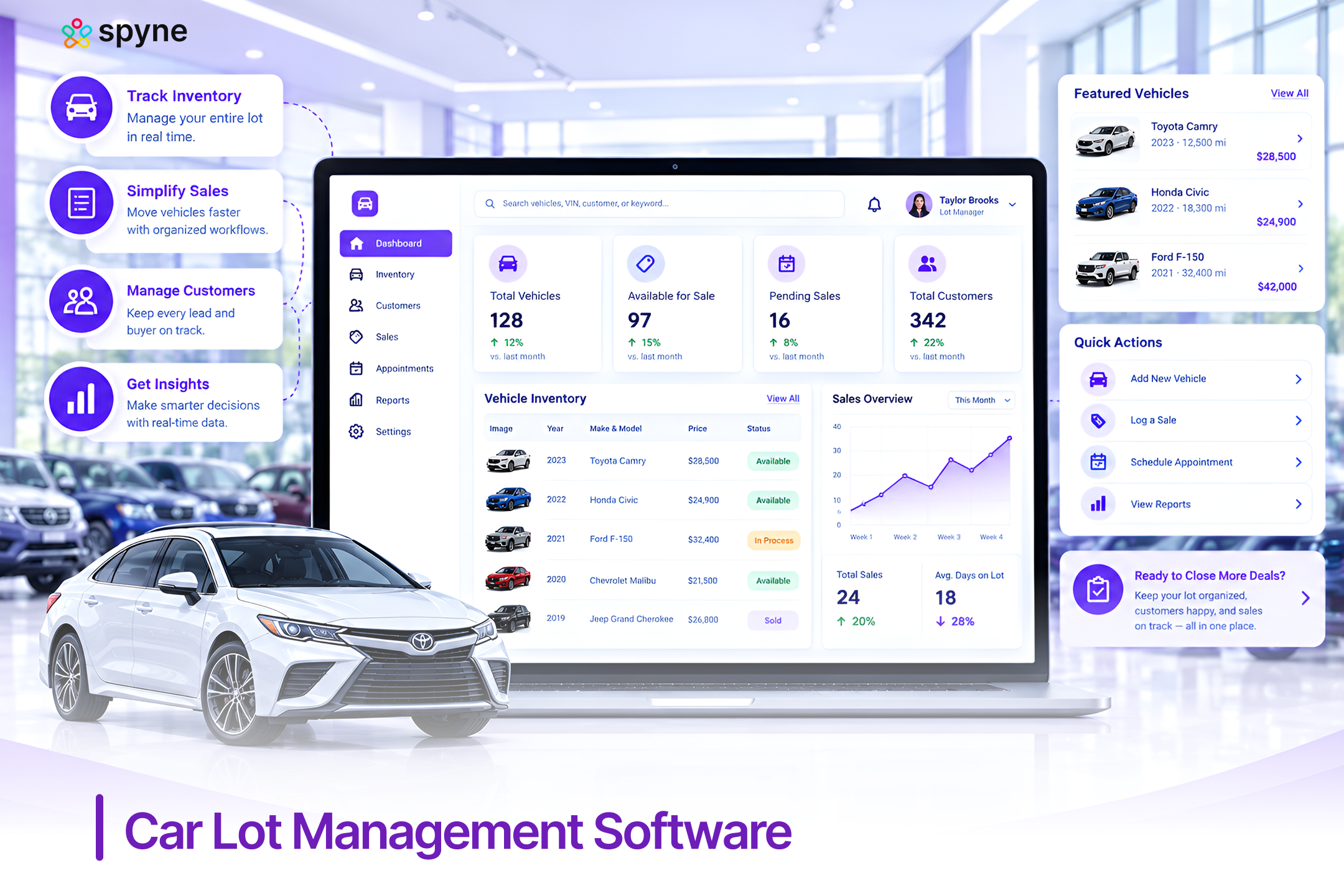
Spyne Inventory Management gives small and mid-size used car lots one system to track every vehicle by VIN, manage photos and listings, and catch aging inventory before it becomes a problem. It’s built for the reality of a small lot, where one or two people handle acquisition, photography, and listings rather than a dedicated inventory department. The features below are the ones that matter most for used car lot inventory tracking specifically.
1. VIN-Level Inventory Tracking
Every vehicle is tracked individually by VIN from intake through sale, with status, location, and days-on-lot updated in one record. This removes the gap between what the whiteboard says and what’s actually on the lot. A ten-car independent lot uses this to confirm, in seconds, whether a specific trade-in has already been listed or is still waiting on photos.
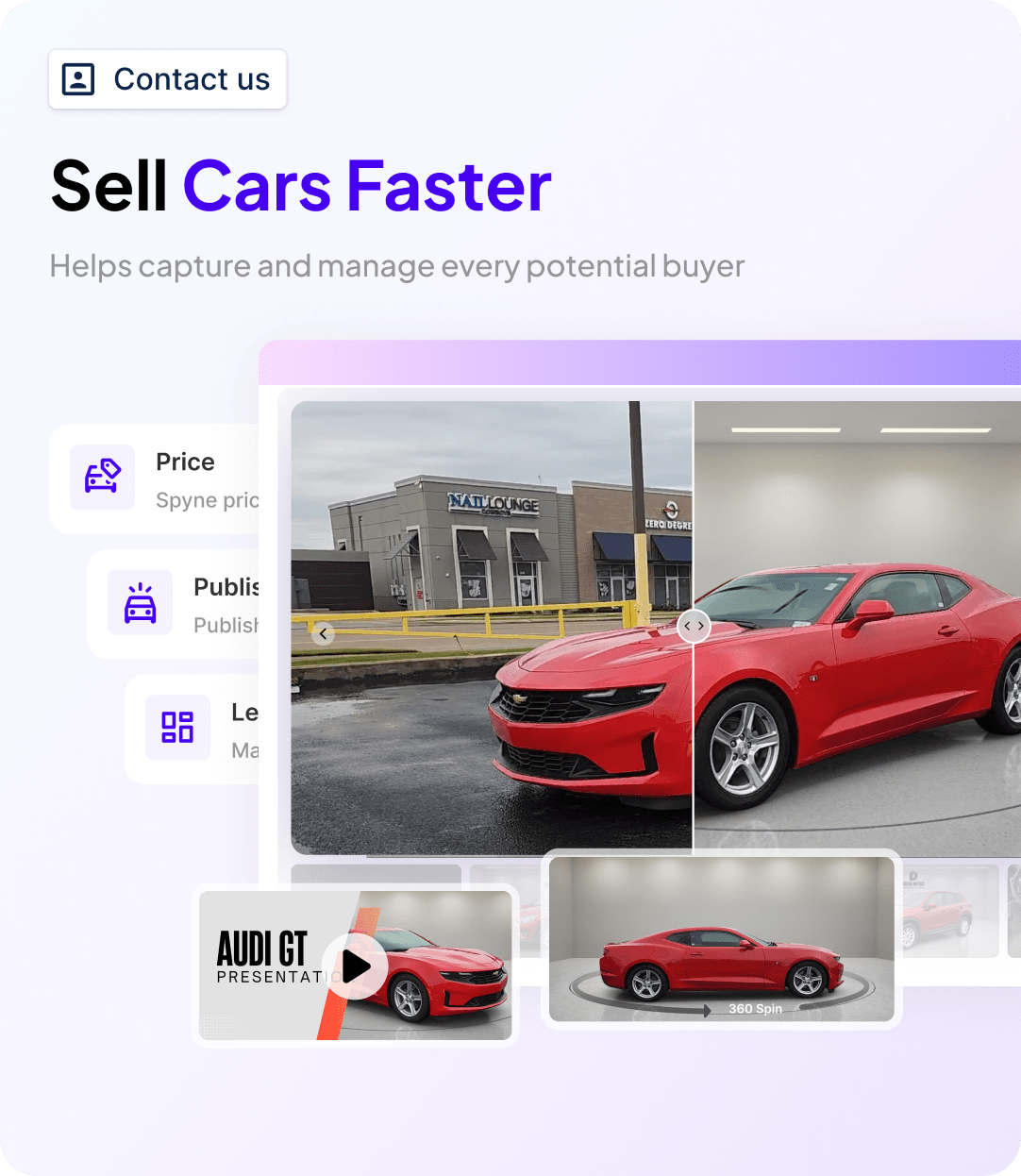
2. AI-Powered Vehicle Photography and Listing Creation
Vehicle photos and listing descriptions are generated automatically once a vehicle is logged, instead of requiring a separate photography and writing step for every unit. This matters most on a lot where the same one or two people handle acquisition, photos, and listings back to back. A lot that used to take two days to get a car listed after arrival can typically get it live the same day.
3. Real-Time Inventory Status Sync
Status changes sold, pending, in recon, made anywhere in the system update every connected listing and channel at once. This closes the gap where a vehicle sells on a Saturday but stays live on marketplaces through the weekend. A small lot avoids the wasted lead and the awkward call back to a shopper that comes from quoting a car that’s already gone.
4. Aging Alerts Tied to Pricing Action
Vehicles are flagged automatically as they cross 30, 45, and 60 days on the lot, with the alert tied directly to a pricing or channel decision rather than just a notification. This turns aging inventory monitoring from a manual weekly review into something the system does on its own. A lot manager can act on a 45-day car the day it crosses the threshold instead of finding it during a monthly walk of the lot.
5. One-Click Marketplace Syndication
Listings publish to connected marketplaces and the dealer’s own website from a single update, instead of requiring the same vehicle to be re-entered on each channel. This is one of the most common points of failure for a small lot managing inventory by hand. A vehicle price change or status update applies everywhere at once, so a shopper never sees an outdated price on one site and the correct one on another.
6. Mobile Inventory Access
Inventory can be logged, updated, and checked from a phone or tablet on the lot itself, without needing to walk back to a desktop to make a change. This matters on a lot where the person acquiring or repricing a vehicle is standing next to it, not sitting at a computer. A trade-in can be logged and photographed in the same visit it arrives.
7. Connected CRM for Lead Follow-Up
Inventory data connects to Spyne Automotive CRM, so a lead on a specific vehicle is tied to that vehicle’s current status and details automatically. This prevents the common small-lot problem of a salesperson following up on a car that sold days earlier because the CRM and the inventory system were never talking to each other. A lead generated on a listing stays accurate to what’s actually still on the lot.

Conclusion
Car lot management software exists to solve one specific problem: keeping what your system says about a vehicle in sync with what’s actually true on the lot. For a small or mid-size used car lot, the best inventory tracking for used car lots comes down to choosing between a full DMS like DealerCenter or Frazer, a lighter dedicated tracking tool, or a connected platform like Spyne Inventory Management that ties tracking to photos, listings, and pricing in one place. With used-vehicle days’ supply at 46 nationally and the sub-$15,000 segment most small lots depend on running even tighter, at 32.2 days and falling (Cox Automotive, 2026), the cost of a tracking gap is higher this year than it was last year. The tips and strategies above are a starting point. The right car lot management software is what makes them stick without adding another manual task to the day.