
Executive SummaryCar lot inventory software is the system that tracks every vehicle from acquisition to sale, prices it against live market data, and pushes listings to your website and marketplaces. Used-vehicle days’ supply climbed to 50 days by December 2025, per Cox Automotive, and McKinsey’s 2025 research found dealers who use technology to cut inventory costs can lift sales per employee by 25 percent or more. This guide is a buying framework: how to evaluate vendors, what fair pricing looks like, and how to run the software daily. |
A car sitting on your lot an extra week is not a merchandising problem. It is a financing bill. Cox Automotive tracked used-vehicle days’ supply at 50 days in December 2025, up two days from a year earlier, and CBT News reports more than 56 percent of dealers say understanding their own inventory risk is where they need the most help right now. Most of that gap comes down to picking car lot inventory software that fits how the lot actually runs. Here is how to evaluate it, price it, and put it to work.
What Does Car Lot Inventory Software Actually Need to Do?
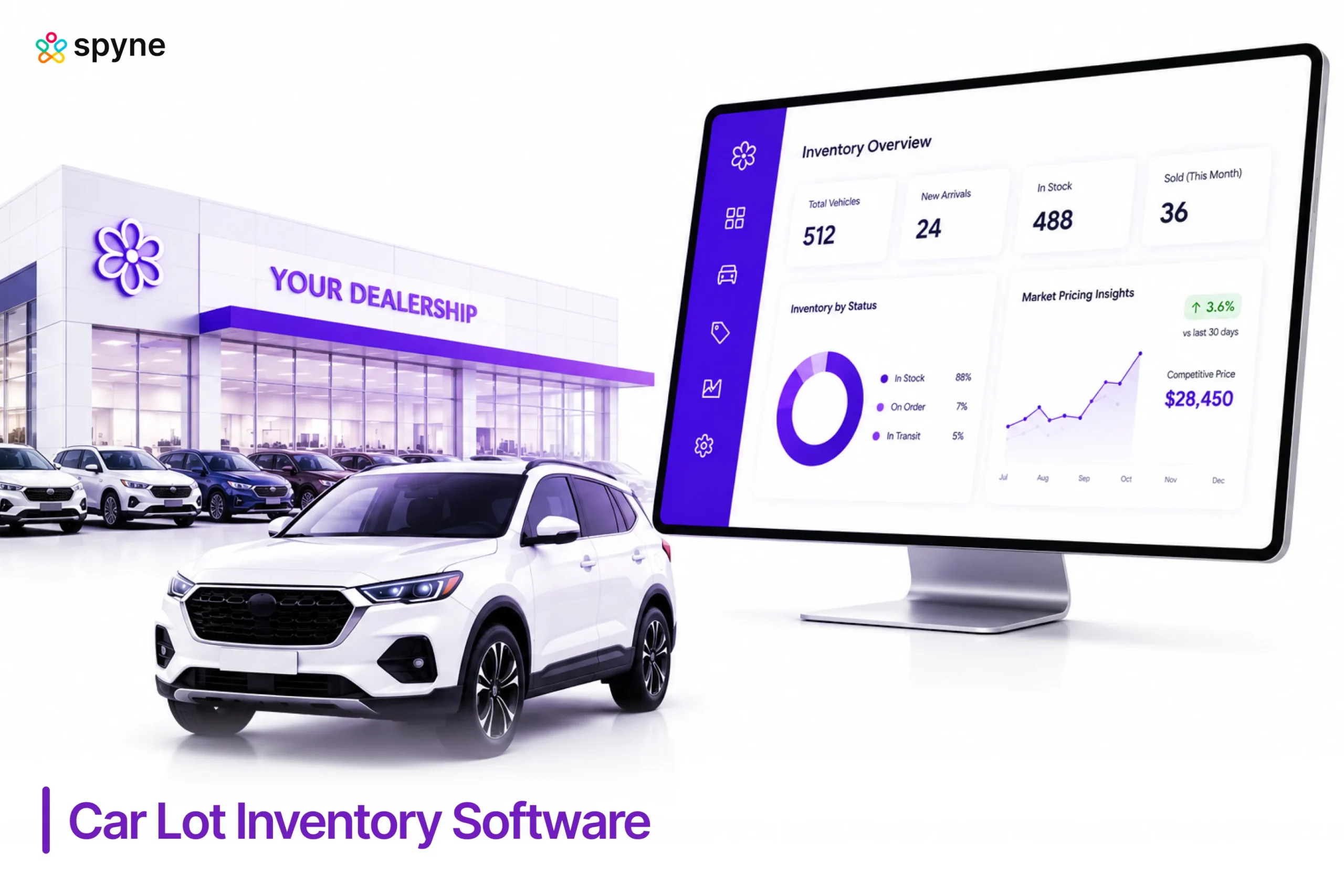
Car lot inventory software is the system of record for every vehicle you own, from the day it arrives to the day it sells. At minimum, it needs to decode the VIN and pull vehicle history on arrival, track reconditioning cost against a true cost basis, price the unit against live local market data instead of a flat markup, and push a complete listing to your website and marketplaces like Autotrader, Cars.com, and Facebook Marketplace in one action.
It also needs to flag aging inventory before a vehicle quietly crosses 30, 45, or 60 days on the lot, and roll that into reporting a manager can read in seconds: turn rate, days’ supply, gross profit per unit. A tool that only handles listings, or only handles pricing, is one module of car lot inventory software, not the whole system. See our guide to automotive inventory management software for how this category fits the rest of dealership technology.
What Is the Best Inventory Software for a Car Lot?
There is no single best inventory software for a car lot. The right platform depends on unit volume, whether you carry buy-here-pay-here paper, and how many rooftops you run. What holds steady across every lot size is the process for finding it: treat vendor selection as a six-step evaluation, not a scan of feature lists or a single car lot inventory software comparison chart pulled from a review site.
1. Map Your Actual Workflow Gaps First
Before you look at a single vendor, write down where your current process actually breaks: is it VIN entry taking too long at auction, reconditioning invoices arriving after a car is already priced, or listings that lag two days behind a sale? A car lot inventory software comparison that starts from a generic checklist instead of your own gaps ends with features you will not use.
2. Build a Shortlist Weighted to Your Volume
A five-rooftop group evaluating vAuto, VinSolutions, DealerSocket, or CDK Global needs different answers than a single independent lot moving 40 units a month. Ask each vendor how their platform performs at your specific rooftop and unit count, not their largest reference account. Our full list of top car dealer inventory software is a useful starting point for building that shortlist.
3. Run the Demo With Your Own VINs
Insist on a live demo using five or ten VINs from your own inventory, not a canned dataset. This is where reconditioning tracking, pricing, and syndication either match your lot or fall apart.
4. Ask About Data Migration and Cutover Time
Find out how existing inventory records, photos, and pricing history move into the new system, and how long the cutover takes. A platform that takes six weeks to migrate a 150-unit lot is a different commitment than one that takes six days. Our car dealer inventory management system buyer’s guide covers migration questions in more depth.
5. Negotiate Contract Terms and a Trial Window
Ask for a 30- to 60-day opt-out clause before signing a multi-year contract. Vendors confident in fit rarely resist a trial period, and this single ask filters out platforms that rely on long lock-in instead of daily value.
6. Check References From Similarly Sized Lots
A reference from a 500-unit franchise group tells you little about a 60-unit independent lot. Ask each vendor for two references close to your own size, then ask what broke in the first 90 days.
| Evaluation Stage | What to Ask | Red Flag | Green Flag |
| Workflow fit | Does it match my acquisition source, auction or trade-in? | Vendor cannot describe your specific workflow | Vendor asks about your workflow before pitching features |
| Live demo | Can I test it with my own VINs? | Demo only uses vendor sample data | Vendor offers a live demo on your own inventory |
| Migration | How long does data cutover take? | No clear migration timeline given | Documented migration plan with a named contact |
| Contract | Is there an opt-out or trial window? | Multi-year lock-in with no exit clause | 30- to 60-day trial or opt-out included |
| References | Can I talk to a similarly sized lot? | Only large enterprise references offered | References matched to your size and vehicle mix |

How to Manage Car Lot Inventory With Software?
Managing car lot inventory with software comes down to a daily, weekly, and monthly rhythm, not a one-time setup. The software should carry the repetitive tracking. Your team should carry the decisions.
Daily
Scan the VIN the moment a vehicle arrives from auction or trade-in, so year, make, model, and trim populate automatically instead of by hand. Check the morning aging alert for any unit crossing a risk threshold, update status the moment a car goes under offer, and confirm any listing published overnight actually matches what is on the lot. Good dealership inventory tracking software should make this a five-minute check, not a scavenger hunt across spreadsheets.
Weekly
Review pricing against local market data for every unit older than two weeks, not just the ones a salesperson flags. Run the aging report at the 30-, 45-, and 60-day marks and decide on a price cut, a promotion, or a wholesale exit. If you run more than one rooftop, compare aging by location so a slow-moving unit can transfer to where it sells faster. A structured weekly audit, the kind covered in our guide to auto dealer stock management software, catches drift before it becomes a monthly surprise.
Monthly
Pull turn rate and gross profit per unit by model and trim, and use that data, not instinct, to decide what to stock next. Reconcile the digital count against a physical lot walk, since even good car lot inventory software is only as accurate as the data entered into it.
What Should Affordable Car Lot Inventory Software Actually Cost?
Affordable car lot inventory software is not the platform with the lowest sticker price. It is the one whose cost is small next to what aging inventory already costs you. None of the major platforms, vAuto, VinSolutions, DealerSocket, or CDK Global, publish flat pricing, and most quote by rooftop count, unit volume, or a modular add-on structure. Judge any quote against your own carrying cost, not a competitor’s number.
| Lot Size | Typical Pricing Model | What Changes at This Volume |
| Small independent lot (under 60 units/month) | Flat or per-rooftop fee, lighter feature set | Cutover and training take days, not weeks; fewer integrations needed |
| Mid-size lot or small group (60 to 150 units/month) | Tiered or per-unit pricing | Reconditioning tracking and multi-user access start earning their cost |
| Large multi-rooftop group (150+ units/month) | Enterprise quote, often bundled with a broader DMS or CRM stack | Centralized reporting and cross-location transfer tools justify the higher spend |
Ask each vendor to tie their quote to your actual unit volume, then compare that number to what a single unit sitting an extra week already costs your floorplan. That comparison, not the invoice total, is what makes a platform genuinely affordable car lot inventory software for your specific lot. Our list of vehicle inventory management software breaks down more pricing models across the category.
Car Lot Inventory Software Tips That Actually Move the Needle
The car lot inventory software tips that move the needle are less about the platform and more about the discipline around it.
- Review aging weekly, not monthly. A unit crossing 45 days needs a decision this week, not at the next meeting.
- Set a reconditioning cost ceiling. Require manager sign-off past a set dollar amount, so a detail job does not become a mechanical rebuild.
- Sync your CRM to inventory. A stalled follow-up should never be the reason a car sits an extra week.
- Scan VINs at acquisition. Whether at an auction lane or a trade-in appraisal, this removes hours of manual entry weekly.
- Price to local market data weekly. National averages move slower than your specific zip code and trim.
Most of these car lot inventory software tips take under an hour a week to put in place, and the payoff shows up in fewer units crossing 60 days on the lot.
Car Lot Inventory Software Strategies for Lots Running Mixed Inventory
Car lot inventory software strategies need to flex when a lot carries new, used, and buy-here-pay-here units side by side, since each category moves on a different clock.
- New units: Track manufacturer allocation and incentive timing separately from used stock, since holding cost behaves differently.
- Used units: Lean on local market pricing and a strict aging trigger, since this is where most carrying cost accumulates.
- BHPH units: Connect financing and collections data to the vehicle record, since underpricing compounds over the life of the loan.
- Multi-rooftop transfers: Review monthly which rooftop moves which vehicle type fastest, and shift slow-moving stock there instead of discounting it in place.
The lots getting the most from their car lot inventory software strategies review that mix monthly and adjust acquisition, not just pricing.
Spyne Inventory Management: Car Lot Inventory Software Built for Fast Decisions
Spyne Inventory Management is a dealership software solution built for the merchandising and inventory health side of running a car lot. It fits in after a vehicle is acquired and reconditioned, at the point where it needs to move from a data entry to a live, sellable listing. Spyne is built to pass the demo-with-your-own-VINs test quickly, since onboarding centers on real inventory data from day one, and it works alongside an existing DMS or CRM instead of requiring a full replacement.
- VIN-Based Intake: Scans or accepts a VIN and populates year, make, model, and trim automatically, cutting manual entry during high-volume acquisition periods like post-auction intake days.
- Inventory Health Alerts: Flags vehicles that are aging, missing photos, missing pricing, or sitting without a description, so a manager can act before a unit crosses a risk threshold instead of finding it in a monthly report.
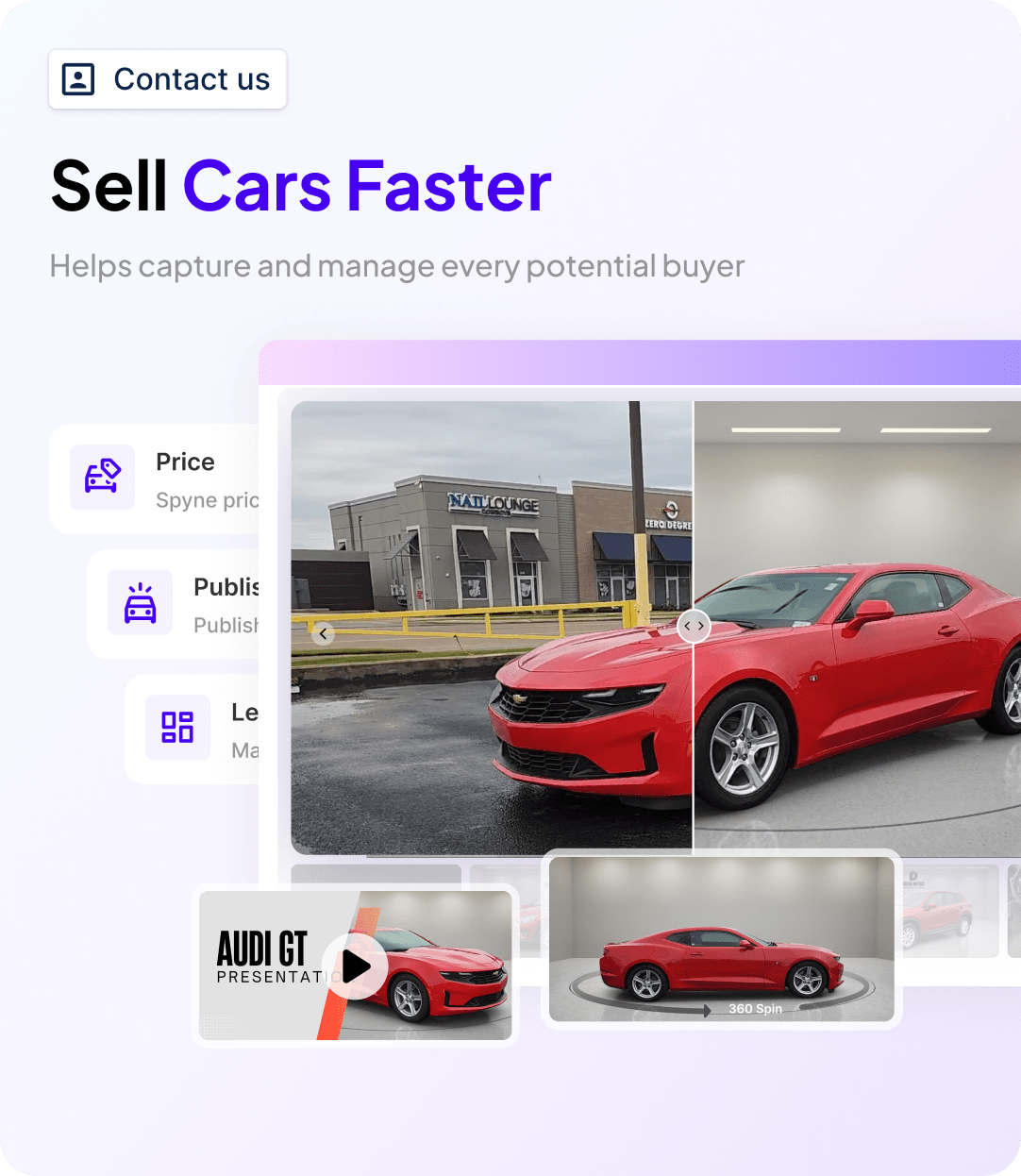
- AI-Powered Vehicle Merchandising: Converts raw lot photos into clean, consistent listing images using AI background correction, so a car photographed on a busy lot still looks sale-ready online.
- Reconditioning Status Tracking: Tracks where a vehicle sits in recon and flags delays, so the asking price reflects true cost before the listing goes live.
- One-Click Listing Syndication: Publishes a vehicle to the dealership website and third-party marketplaces in a single action, and removes it automatically once the unit is marked sold.
- Mobile Access for Lot Staff: Lets staff scan VINs, upload photos, and update status from the lot itself, without waiting to get back to a desktop.
- Multi-Rooftop Visibility: Gives dealer groups a single view across locations, so a unit aging at one rooftop can be transferred to where it is more likely to sell.

Conclusion
Choosing car lot inventory software is not about the longest feature list. It is a six-step evaluation: map workflow gaps, shortlist by volume, demo with your own VINs, confirm migration timelines, negotiate a trial window, and check references close to your size. Get that right, and the pricing conversation and daily cadence that follow both get easier. Your lot does not need another comparison chart. It needs the evaluation to end in a decision. See Spyne’s car lot inventory software on your own VINs. Book a demo today!